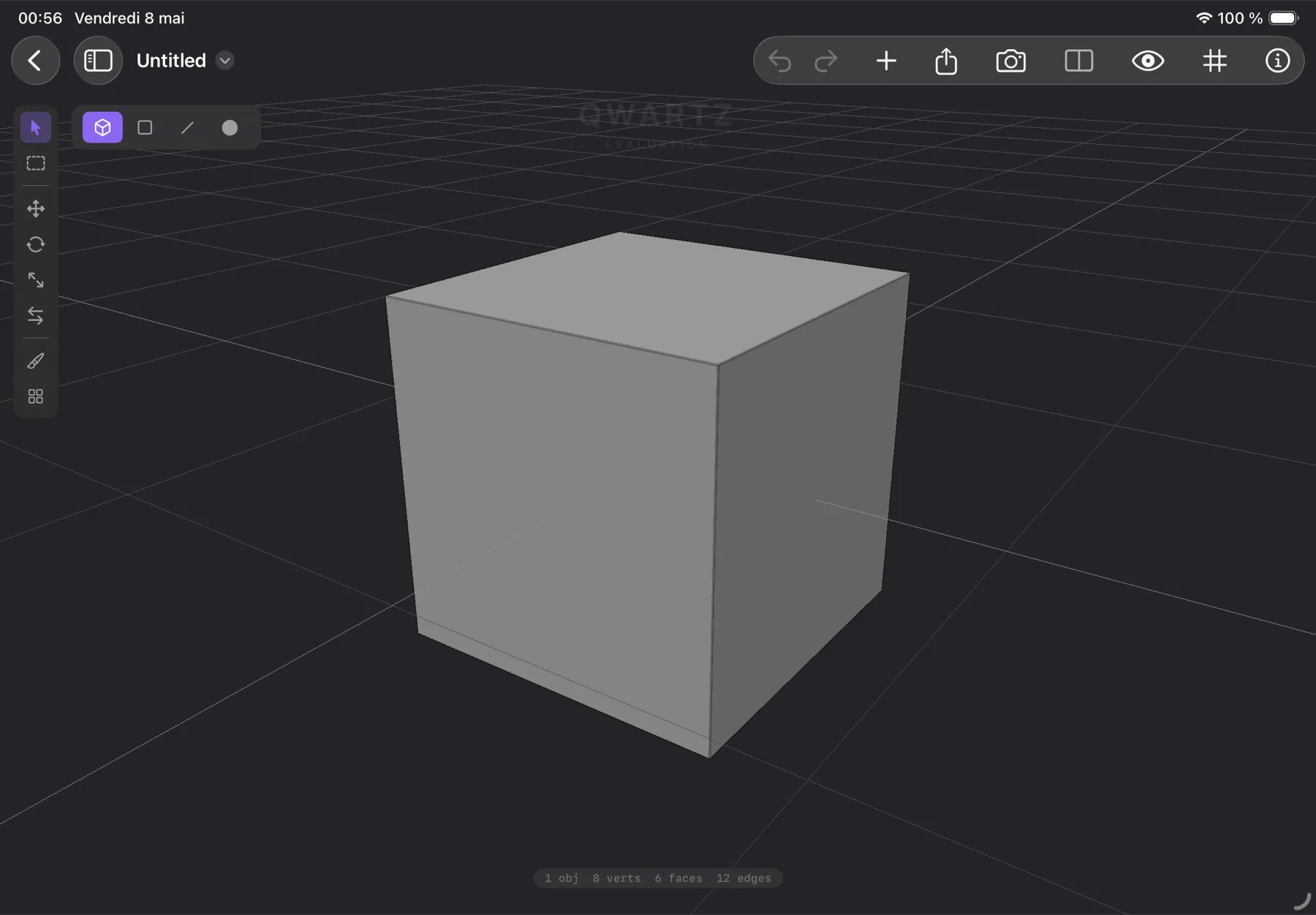
Low-poly 3D, painted by hand.

Model. Paint. Tile. Export.

A native 3D modeler for iPad and Mac with built-in pixel painting on faces. No UV mapping required. No external tools. One-time purchase.

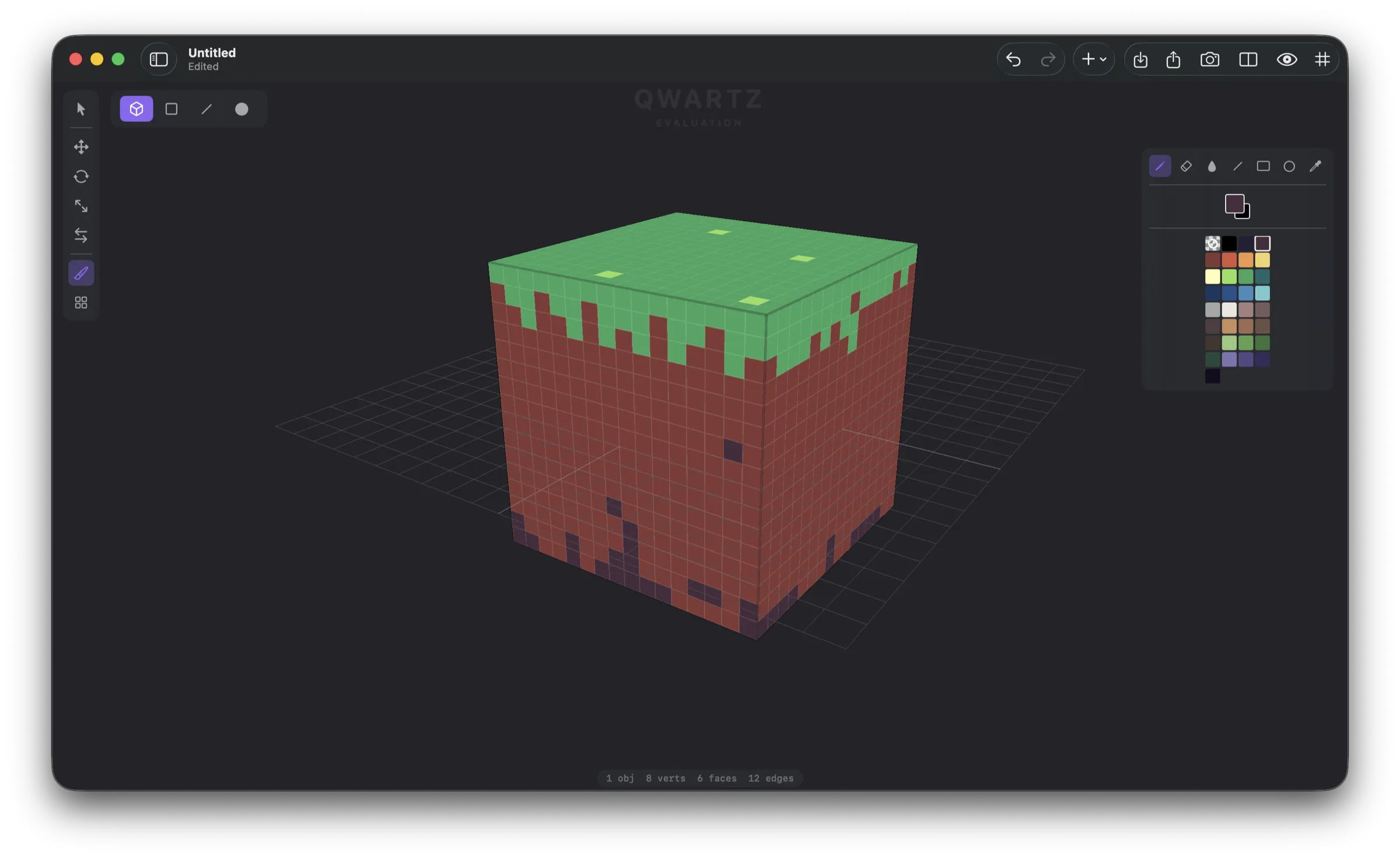
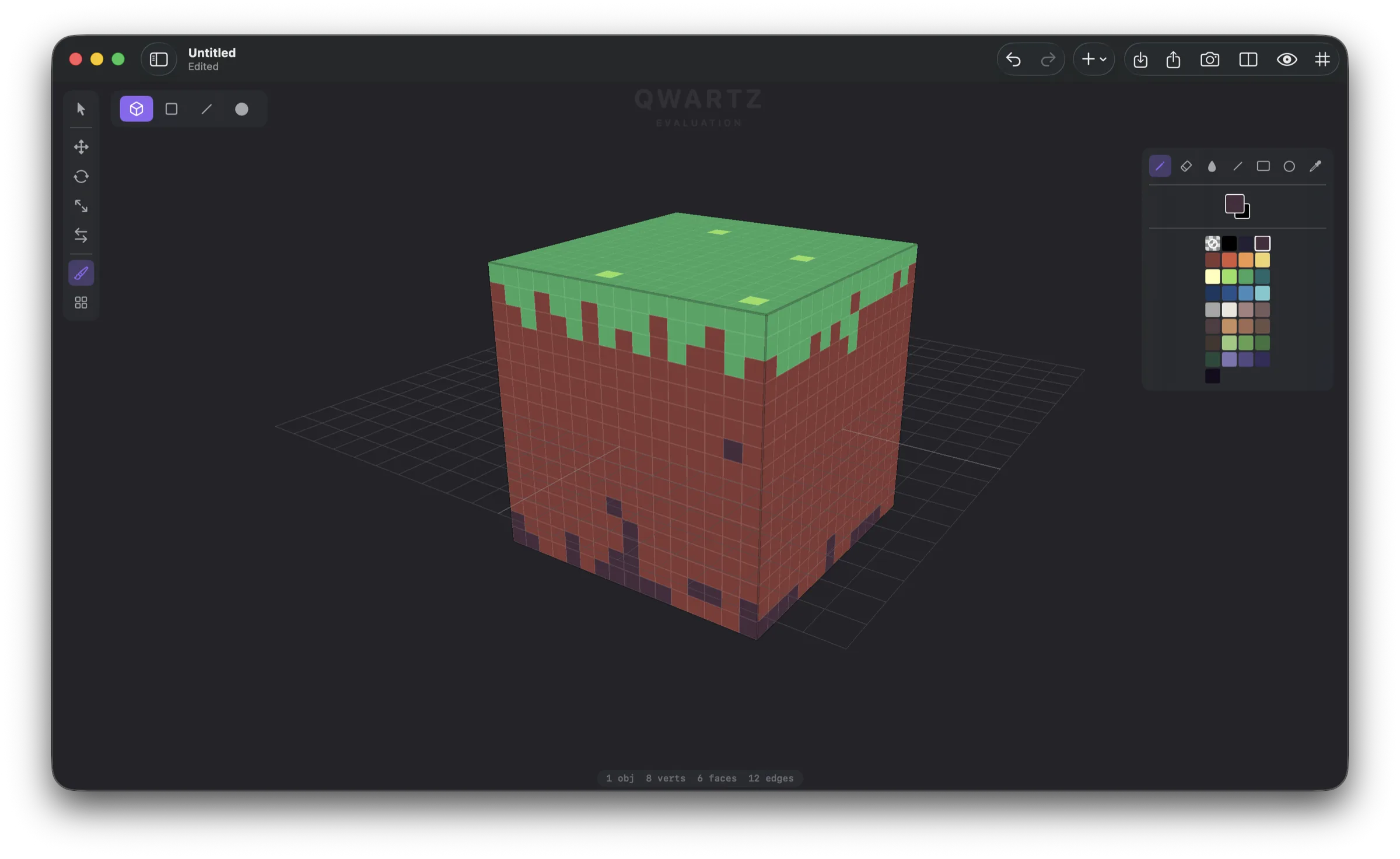
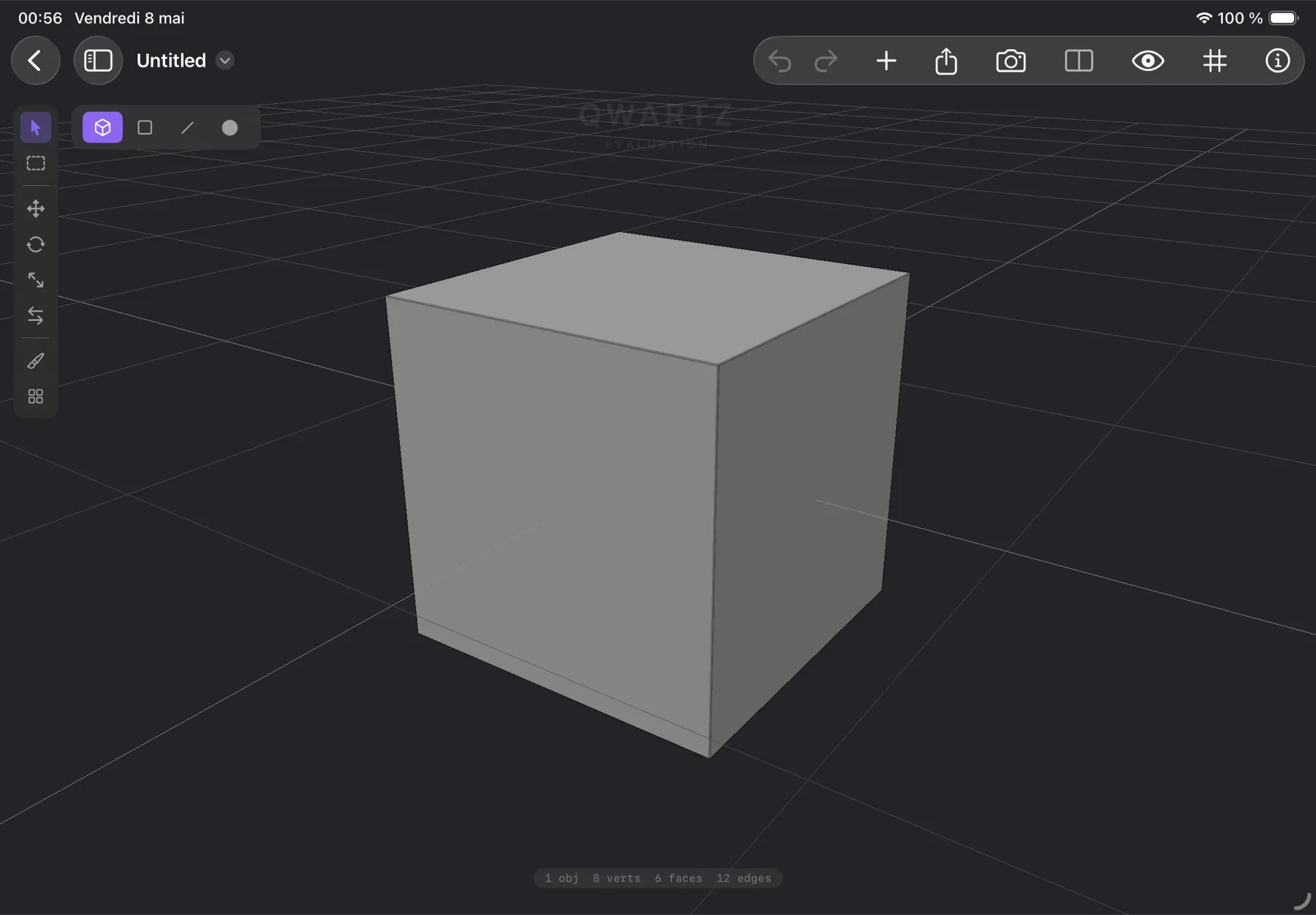
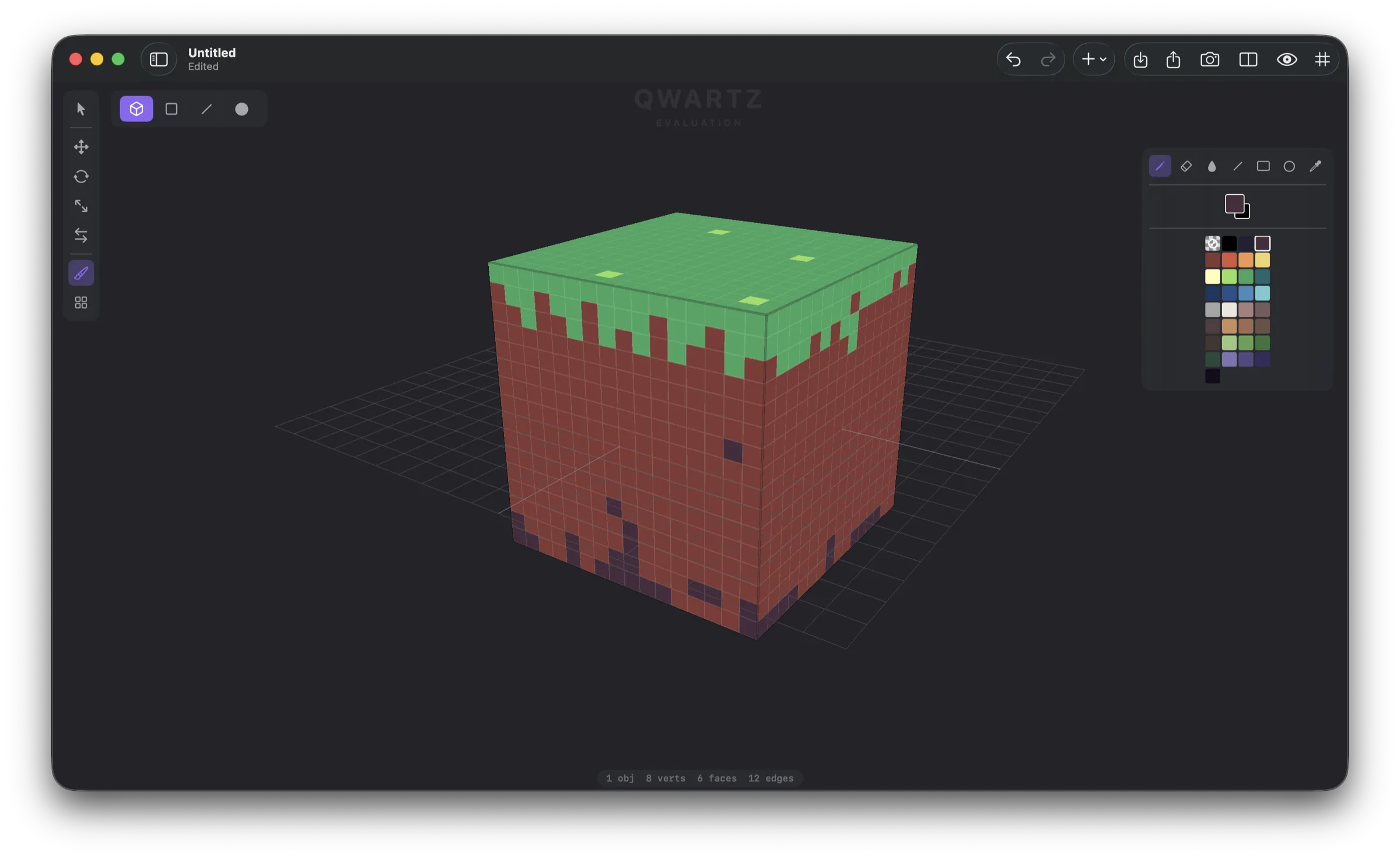
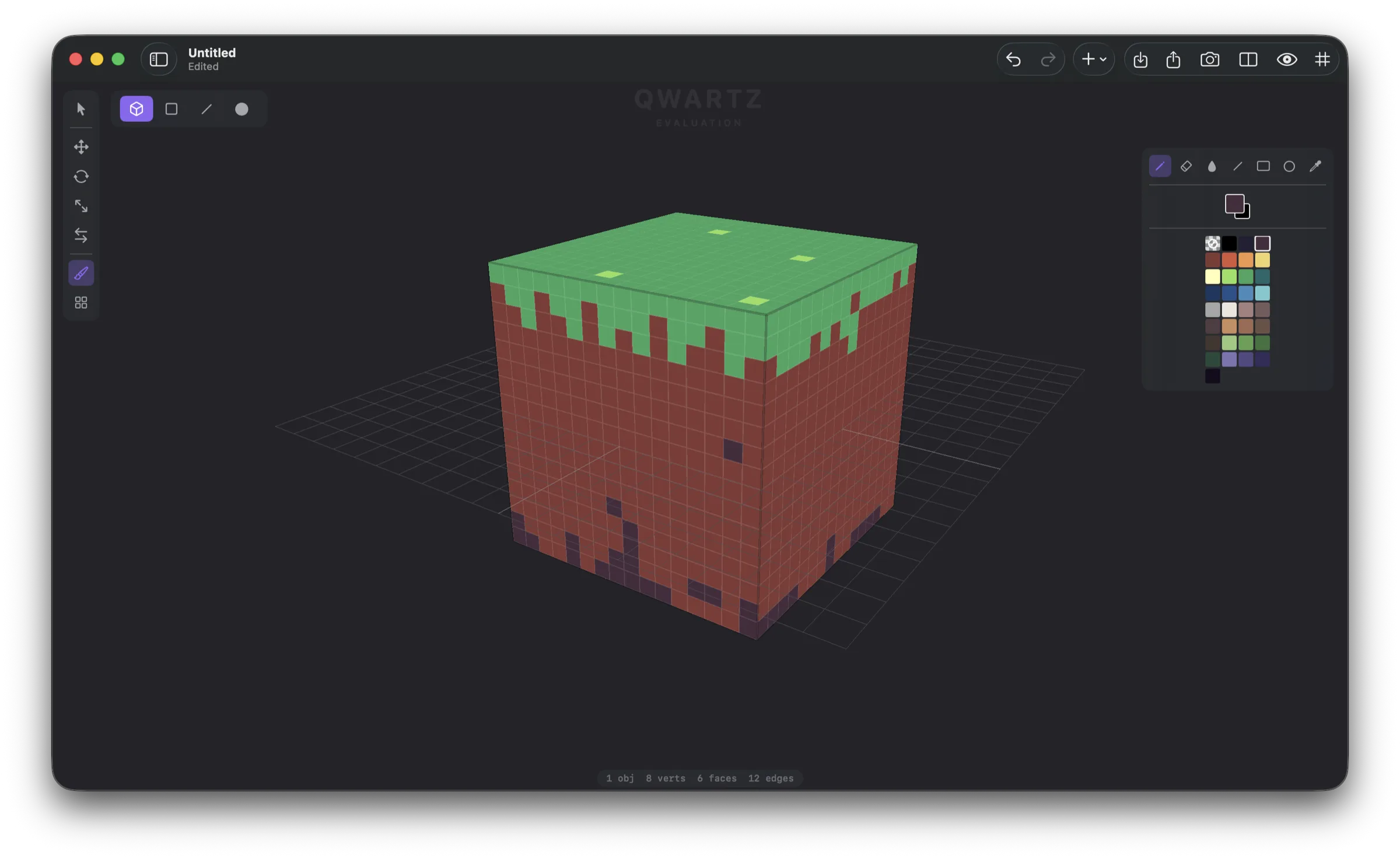
Qwartz on Mac — main editor Qwartz on iPad — pixel paint mode
Killer Feature

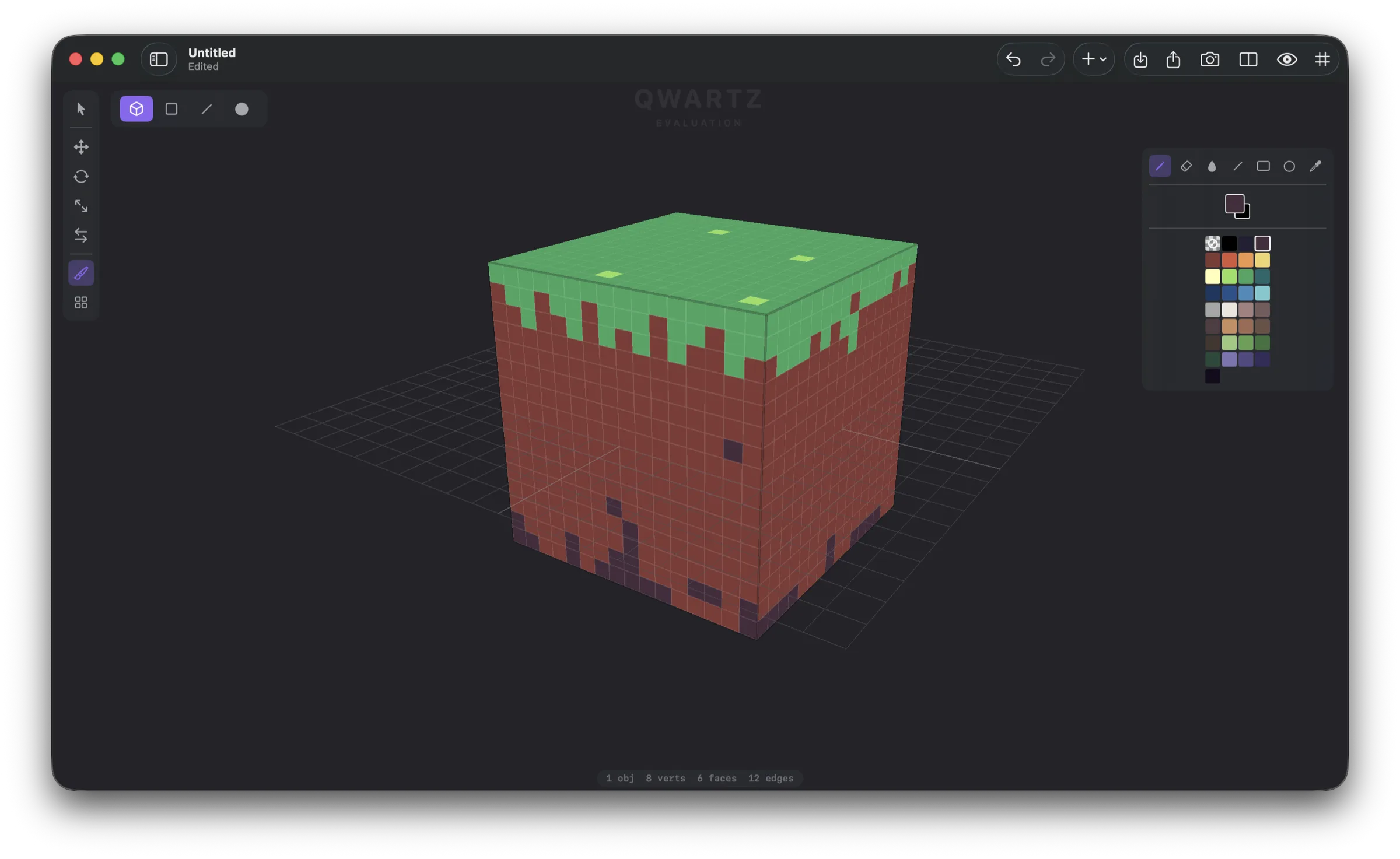
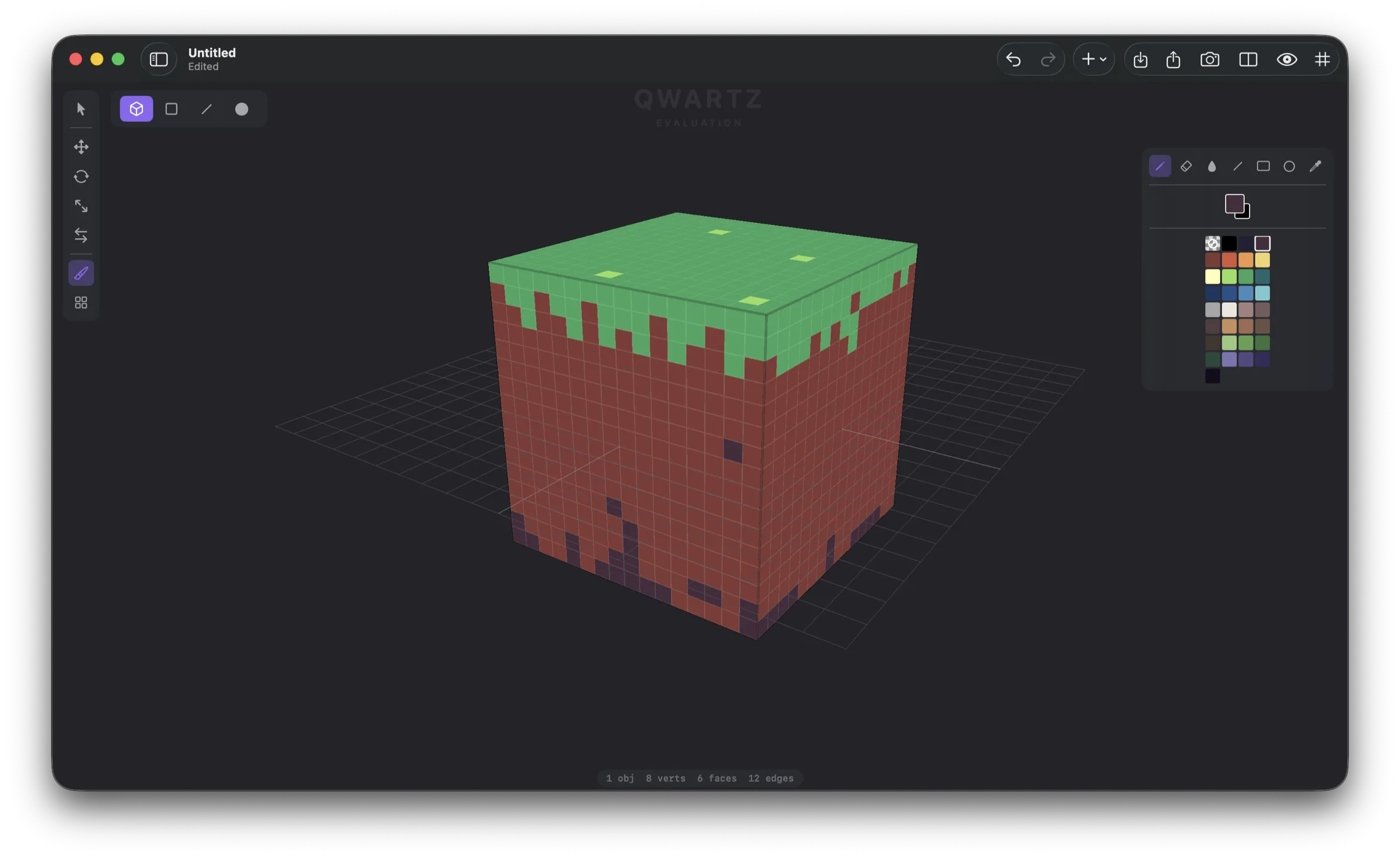
Paint pixel art directly on 3D faces.

Tap a face. Start drawing. The grid sizes itself to the geometry — no UV mapping, no atlas setup, no external image editor. Move a vertex and the texture follows. The tools you know from sprite editors, applied to a polygon.

Face with pixel grid overlay
Pick a face — the pixel grid appears.
Face painted with pixel art
Paint, fill, eyedrop — like any pixel-art tool.
No UV mapping. Auto-sized per-face grids derived from geometry.
Edits preserve textures. Extrude, slide, scale — pixels resample with the mesh.
One palette, everywhere. Shared across pixel paint, UV paint, and face colors.
Tile Mode

Build levels by stamping tiles.

Drop a Quad Grid primitive — an instant floor. Import a tile sheet PNG and stamp tiles onto faces. Rotate and flip per stamp for variety. Extrude faces up to make walls; extrude edges to expand the grid. The whole level is one editable mesh.
Mesh Editing

Every operation, on every selection.

Object, face, edge, vertex modes. Extrude, inset, loop cut, subdivide, merge, slide, dissolve. Transform gizmo with axis constraints and snapping. Edge and face loop selection on double-click. Full undo/redo for everything.

UV Editor

A pixel-art toolset for textures.

Open the UV editor in a split view. Manual vertex editing, marquee select, gizmo. A full painting toolset on the texture itself: pencil, eraser, fill, line, rectangle, circle. Live preview in both 2D and 3D simultaneously.

Primitives

Start from any shape.

Seven mesh primitives to build from. Snap them together, extrude faces, slide vertices, paint.

Cube
Plane
Cylinder
Sphere
Cone
Torus
Quad Grid
Materials

Color materials and PNG textures.

Quickly assign flat color materials per face, or attach PNG textures with auto UV unwrap (planar or box projection). One shared palette across pixel paint, UV paint, and face colors. A face uses either pixel paint or a material — no mode switching, just pick the right tool.

Stylus + Touch

Pencil for tools. Finger for camera.

On iPad, the Apple Pencil drives every tool — select, paint, drag, stamp tiles. Fingers drive the camera — orbit, pan, zoom. No mode switching, no tool palette to dance through. Use both hands at once.

iPad
Open Formats

Open anything. Export everywhere.

Your models go wherever you need them — Blender, Unity, Godot, Roblox Studio, a 3D printer, your own engine.

glTF 2.0
Binary .glb export with materials, UVs, embedded textures
OBJ
Wavefront .obj + .mtl + texture PNGs
STL
Binary STL — geometry only, ready for 3D printing
FBX
Import meshes, materials, UVs, and textures (via ufbx)
.qwartz
Native ZIP archive — open and inspectable
Native

Built for iPad and Mac, the right way.

SwiftUI shell. Metal renderer. AppKit on Mac, UIKit on iPad. No Electron, no web wrapper, no cross-platform port — a real Apple app that opens instantly, responds instantly, and respects the conventions of every device it runs on.

iPad
Apple Pencil drives tools, finger drives the camera. Stage Manager, hover, external keyboard shortcuts.
Mac
Full menu bar, document tabs, hardware keyboard shortcuts for every tool. Universal binary, Apple Silicon native.
Made by Gargant

An independent studio shipping native Apple apps.

Qwartz is built by Gargant, an independent software studio also responsible for Reflow (tablature & notation) and Pyxen (Python game maker). One developer. No investors, no subscriptions, no tracking — just native Apple software, crafted with care.

No subscription. No account. No lock-in. No tracking.

Qwartz is a one-time purchase. Your models stay on your device, in open formats — glTF, OBJ, STL, and the inspectable .qwartz ZIP. Take them anywhere, any time. We don't know what you build, paint, or export — and neither does anyone else.

One price. One purchase. Forever.

Try the full app for free. Purchase when you're ready.

Qwartz

$14.99 iPad & Mac
  • Free trial — the full editor, no time limit
  • An evaluation watermark appears on exports
  • Purchase once, on iPad or Mac — works on both
  • No subscription. No account. No tracking.

Start modeling today.

Free trial — the full editor with no time limit. An evaluation watermark appears on exports until you purchase.