Qwartz — Press Kit
Low-poly 3D, painted by hand.
Model. Paint. Tile. Export.
Fact Sheet
| Title | Qwartz |
|---|---|
| Publisher | Gargant |
| Genre | 3D modeling — low-poly game assets, pixel paint, tile-based 3D |
| Platforms | iPad · Mac (universal) |
| Released | 8 September 2026 — v26.0, first release |
| Current version | v26.0 |
| Price | $14.99 — one-time purchase, both platforms |
| Trial | Free — every tool works, up to 5 models, no time limit; exports are locked and renders carry an evaluation watermark until purchase |
| Languages | English |
| App Store | apps.apple.com/app/id6761371233 |
| Website | qwartz.app |
| Press contact | mail@qwartz.app |
Descriptions
Short (30 words)
Qwartz is a low-poly 3D modeler for iPad and Mac. Build game-ready meshes, paint pixel art directly on faces with no UV mapping, and export to glTF, OBJ, or STL.
Medium (100 words)
Qwartz is a native low-poly 3D modeler for iPad and Mac, built around a single differentiator: paint pixel art directly on mesh faces with no UV mapping. Per-face pixel grids size themselves to the geometry; move a vertex and the texture follows. Beyond pixel paint, Qwartz ships a complete modeling suite — seven primitives, full mesh editing (extrude, inset, loop cut, subdivide, slide), a UV editor with painting tools, a tile mode for level building, and export to glTF, OBJ, and STL. Apple Pencil drives tools, fingers drive the camera. One purchase covers iPad and Mac, with no account needed.
Long
Qwartz is a low-poly 3D modeler for iPad and Mac.
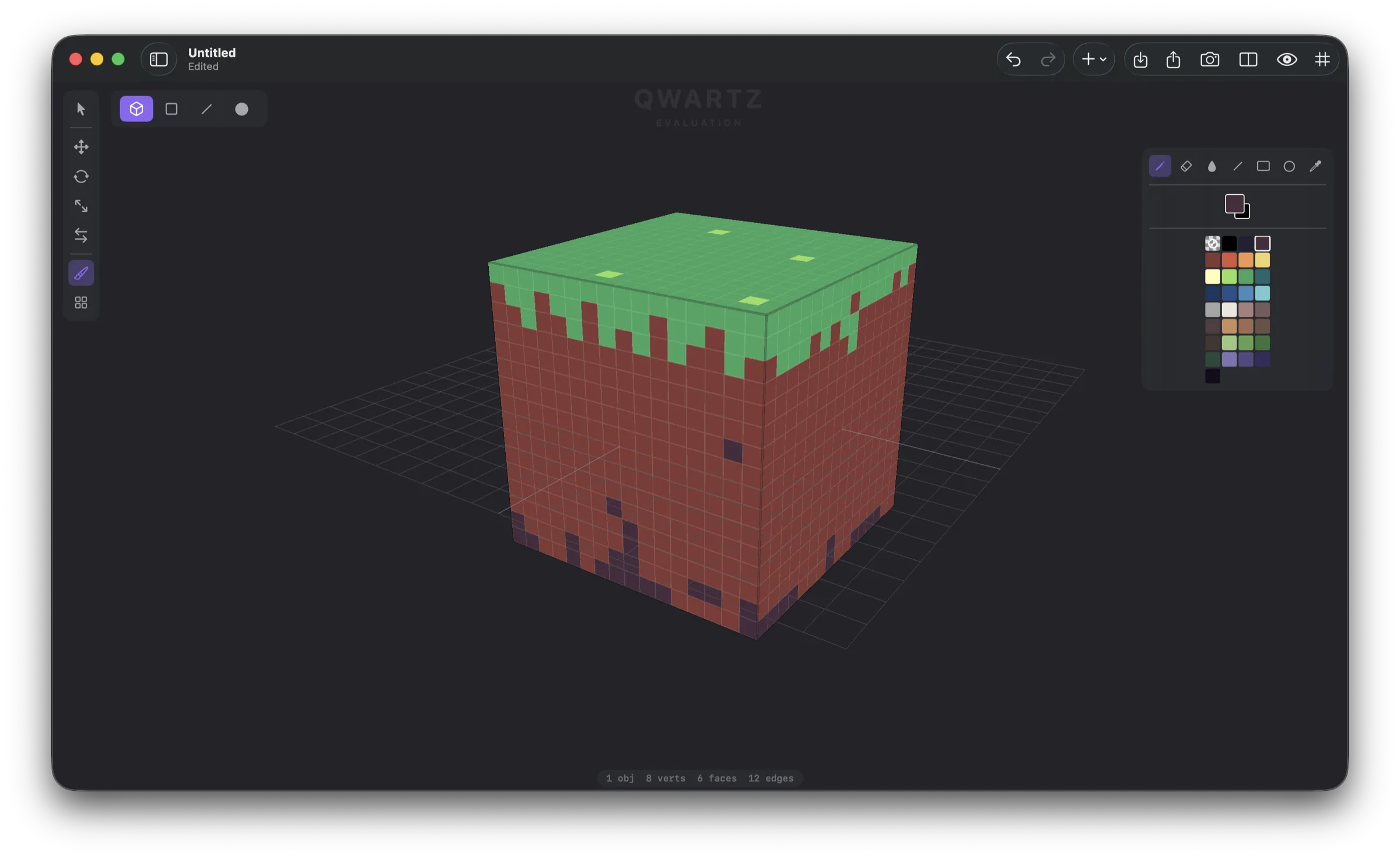
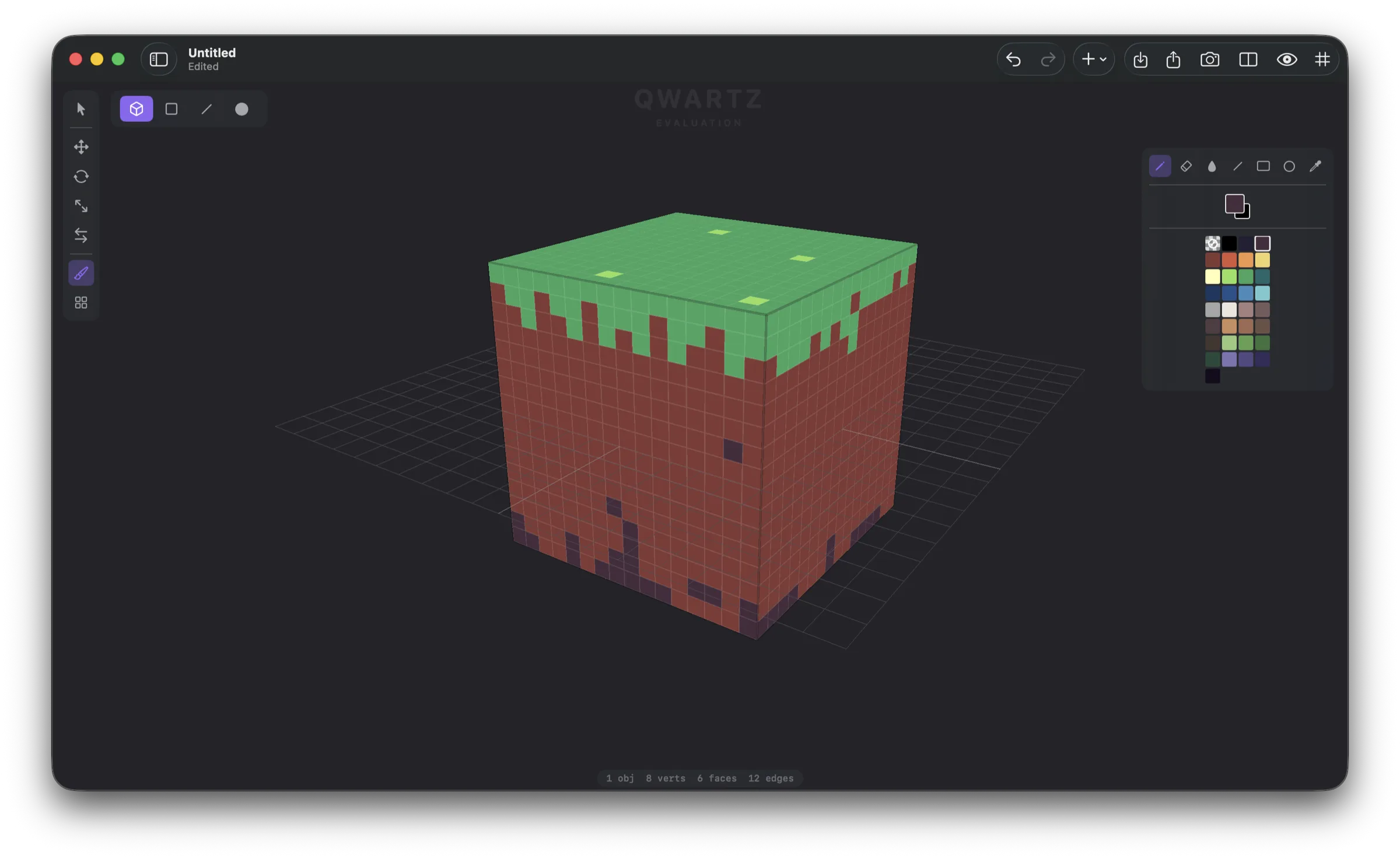
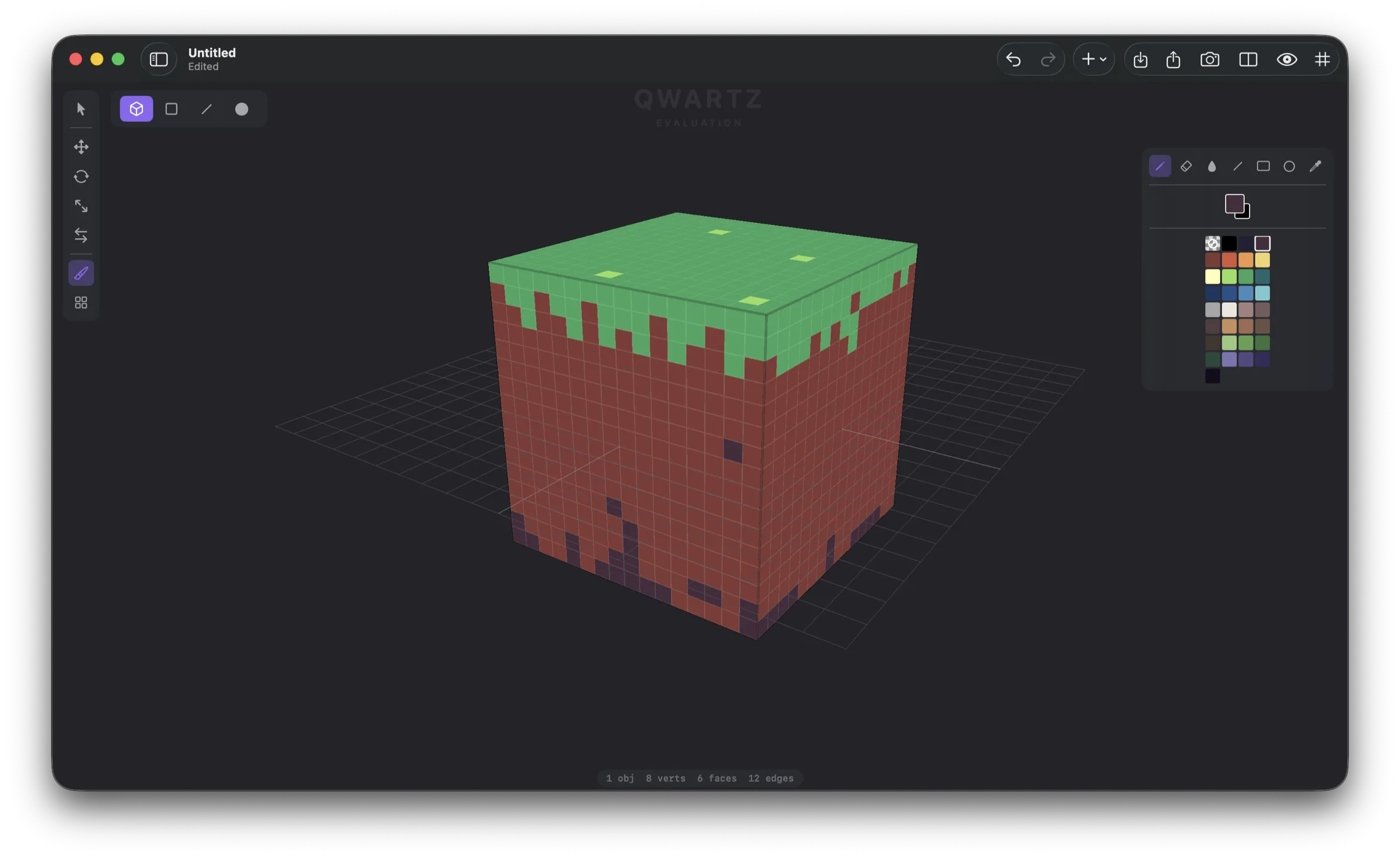
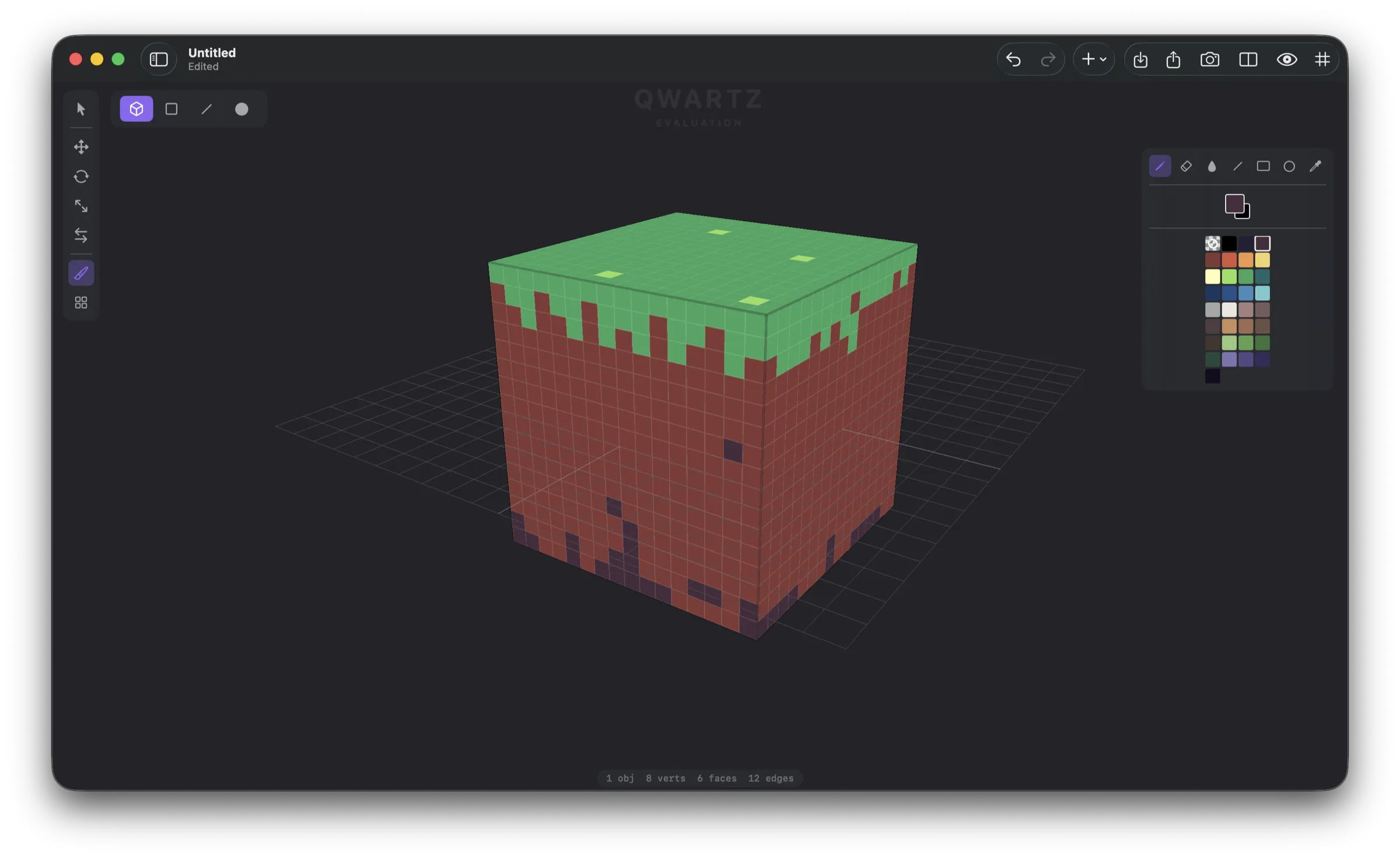
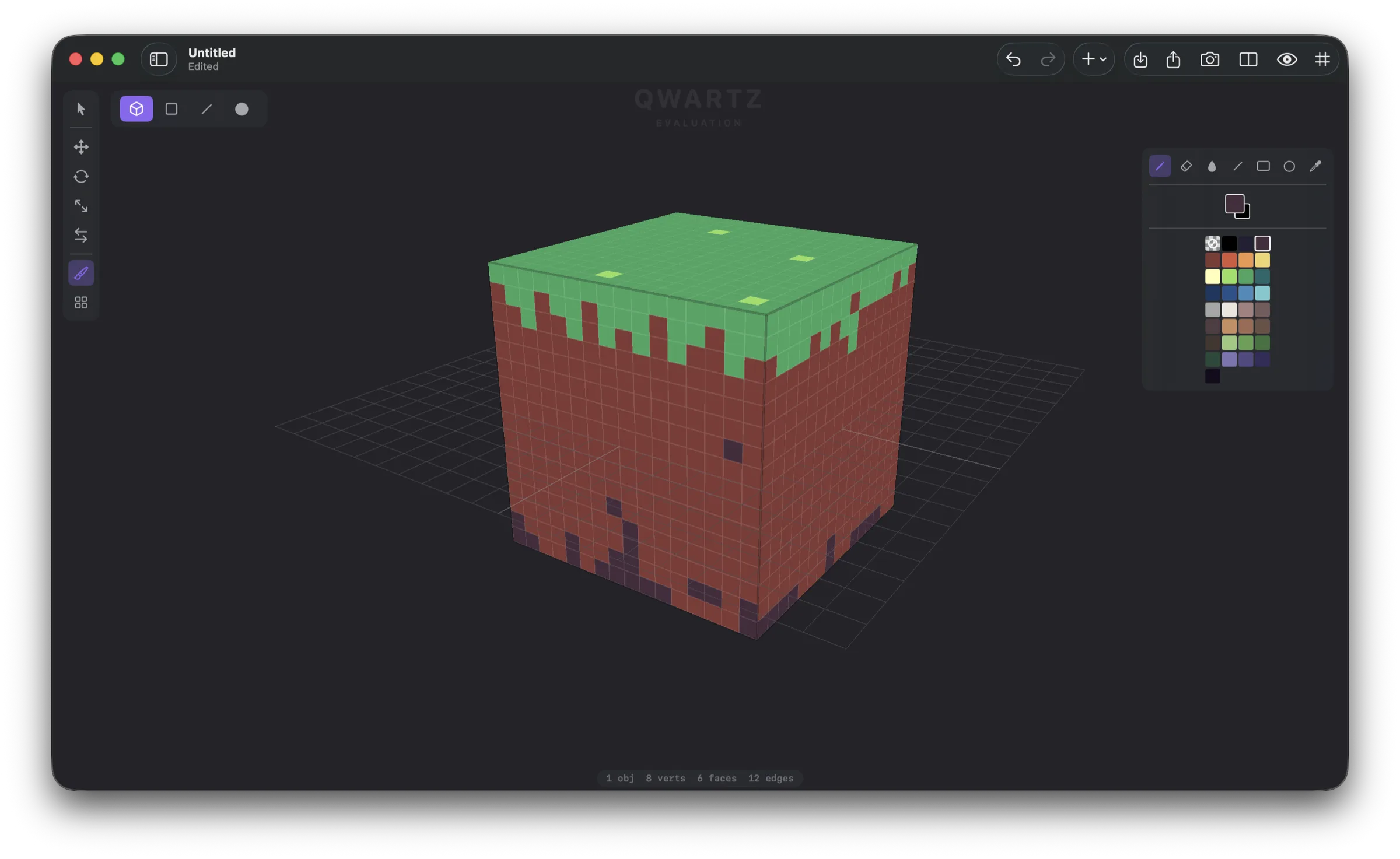
The defining feature is pixel paint on mesh faces. Tap a face and start drawing — the pixel grid sizes itself from the geometry, with no UV mapping, no atlas setup, and no external image editor. Edits to the mesh preserve the texture: move a vertex and the painted pixels resample with the new face shape. Pencil, eraser, fill, eyedropper, line, rectangle, and circle tools — the same pixel-art toolset users know from sprite editors, applied to a polygon. No other app on iPad or Mac does this.
Beyond pixel paint, Qwartz is a complete low-poly modeler. Seven mesh primitives (cube, plane, cylinder, sphere, cone, torus, quad grid). Object, face, edge, and vertex selection modes. Extrude, inset, loop cut, subdivide, merge vertices, create face, slide, edge extrude, dissolve, flip normals. A transform gizmo with axis constraints and snap-to-grid. Edge and face loop selection on double-click. Full undo/redo for every operation.
For traditional texturing, a UV editor opens in a split view with manual vertex editing, marquee select, gizmo tools, and a full painting toolset on the texture itself. Live preview updates both panes simultaneously. Materials can be flat colors or PNG textures, with planar and box auto unwrap. A face uses either pixel paint or a material — never both — so the workflow stays unambiguous.
Tile mode lets users stamp tiles from a sheet PNG onto faces, with rotation and flip per stamp. Combined with the Quad Grid primitive (an instant floor) and edge extrusion, building a tiled level becomes a few minutes of work.
Qwartz exports to glTF 2.0 (binary .glb with embedded textures), OBJ + MTL + texture PNGs, and binary STL for 3D printing. It imports FBX and OBJ with materials, UVs, and textures (via ufbx). A turntable renderer can produce animated GIFs or MP4s for portfolios. The native .qwartz file format is a standard ZIP archive — open and inspectable, with backwards compatibility for legacy .bevel files.
Native Apple app throughout: SwiftUI shell, Metal renderer, AppKit on Mac, UIKit on iPad. Universal binary, Apple Silicon native. Apple Pencil drives every tool; fingers drive the camera. The free version has every tool and no time limit, for up to 5 models; one purchase covers iPad and Mac, unlocks export and removes the evaluation watermark from renders and the viewport. No account is needed.
Key Features
- Pixel paint on 3D faces — paint pixel art directly on a mesh face with no UV mapping. Per-face pixel grids sized automatically from geometry. Mesh edits preserve the painted texture.
- Mesh modeling — 7 primitives (cube, plane, cylinder, sphere, cone, torus, quad grid), object/face/edge/vertex selection, extrude, inset, loop cut, subdivide, merge vertices, create face, slide, edge extrude, dissolve, flip normals.
- Transform gizmo — translate, rotate, scale with axis constraints. Snap to grid with configurable increments. Vertex slide and edge slide along connected geometry.
- UV editor — 2D split view with vertex editing, marquee select, gizmo, and a full pixel-art toolset (pencil, eraser, fill, line, rectangle, circle). Live preview in both 2D and 3D simultaneously.
- Materials — flat color materials with optional PNG textures. Auto UV unwrap (planar and box projection).
- Tile mode — stamp tiles from a sheet PNG onto faces with rotation and flip; quad-grid primitive as an instant level base.
- Apple Pencil + touch (iPad) — Pencil drives tools (select, paint, drag, stamp), finger drives the camera (orbit, pan, zoom). Use both hands at once.
- Import — FBX and OBJ with materials, UVs, and textures (via ufbx).
- Export — glTF 2.0 (.glb) with embedded textures, OBJ + MTL + PNGs, binary STL for 3D printing. Turntable render to GIF or MP4.
- File format — .qwartz is a ZIP archive (scene.json + tile sheet PNGs). Open and inspectable. Backwards-compatible with legacy .bevel files.
- Native — SwiftUI shell, Metal renderer, AppKit on Mac, UIKit on iPad. Universal binary, Apple Silicon native. Works fully offline.
- Privacy — no account needed; no analytics, telemetry or third-party tracking.
Screenshots
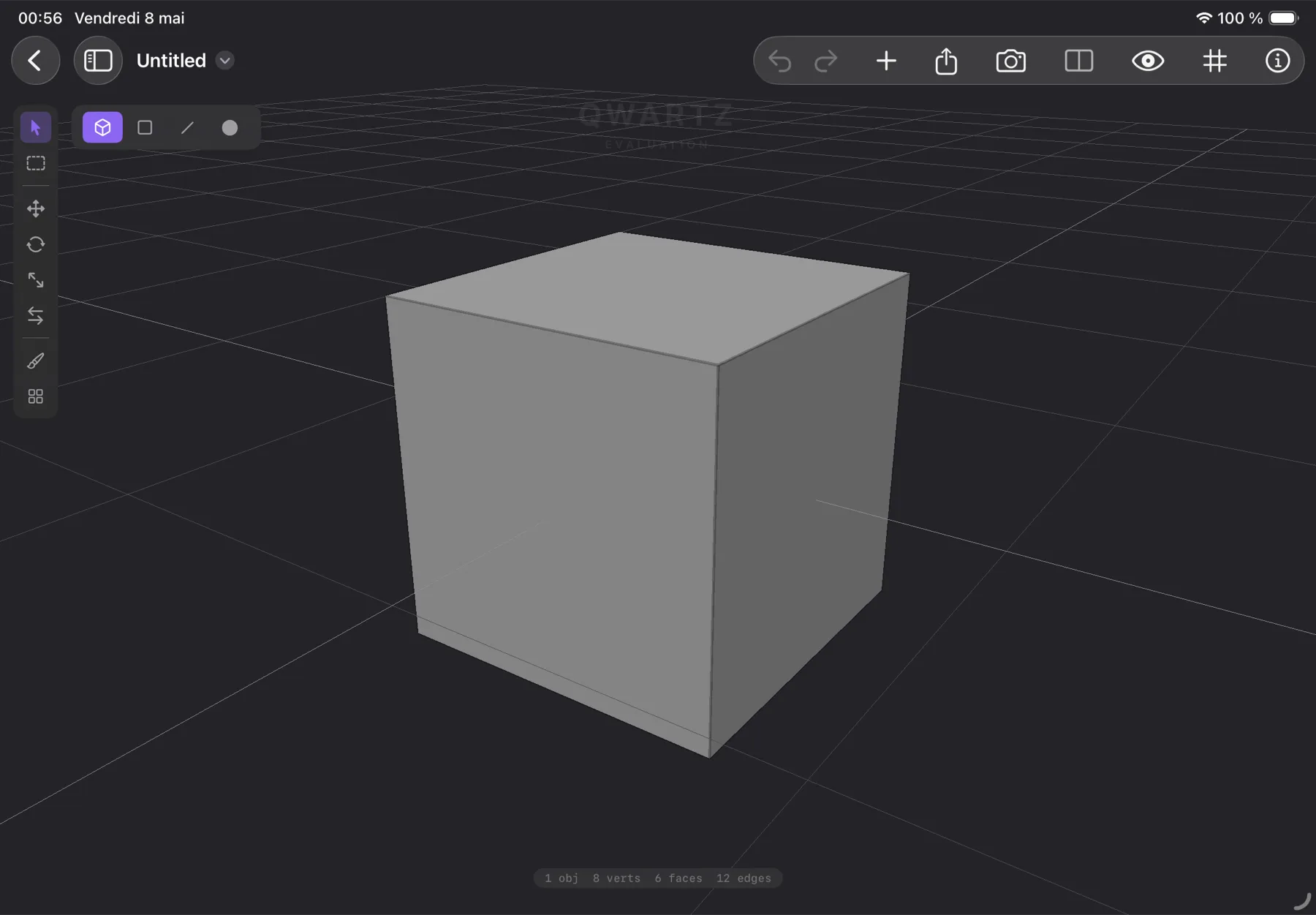
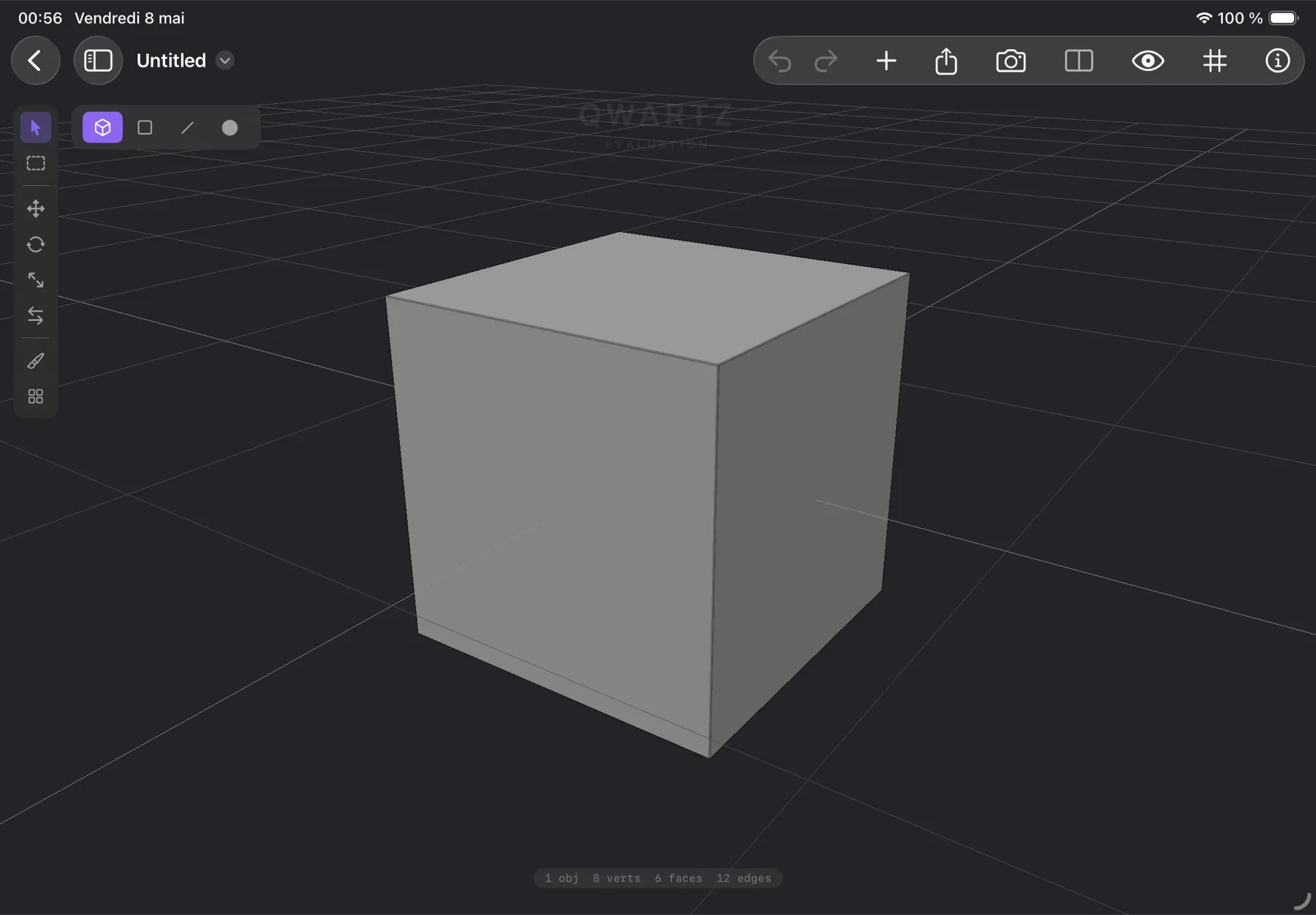
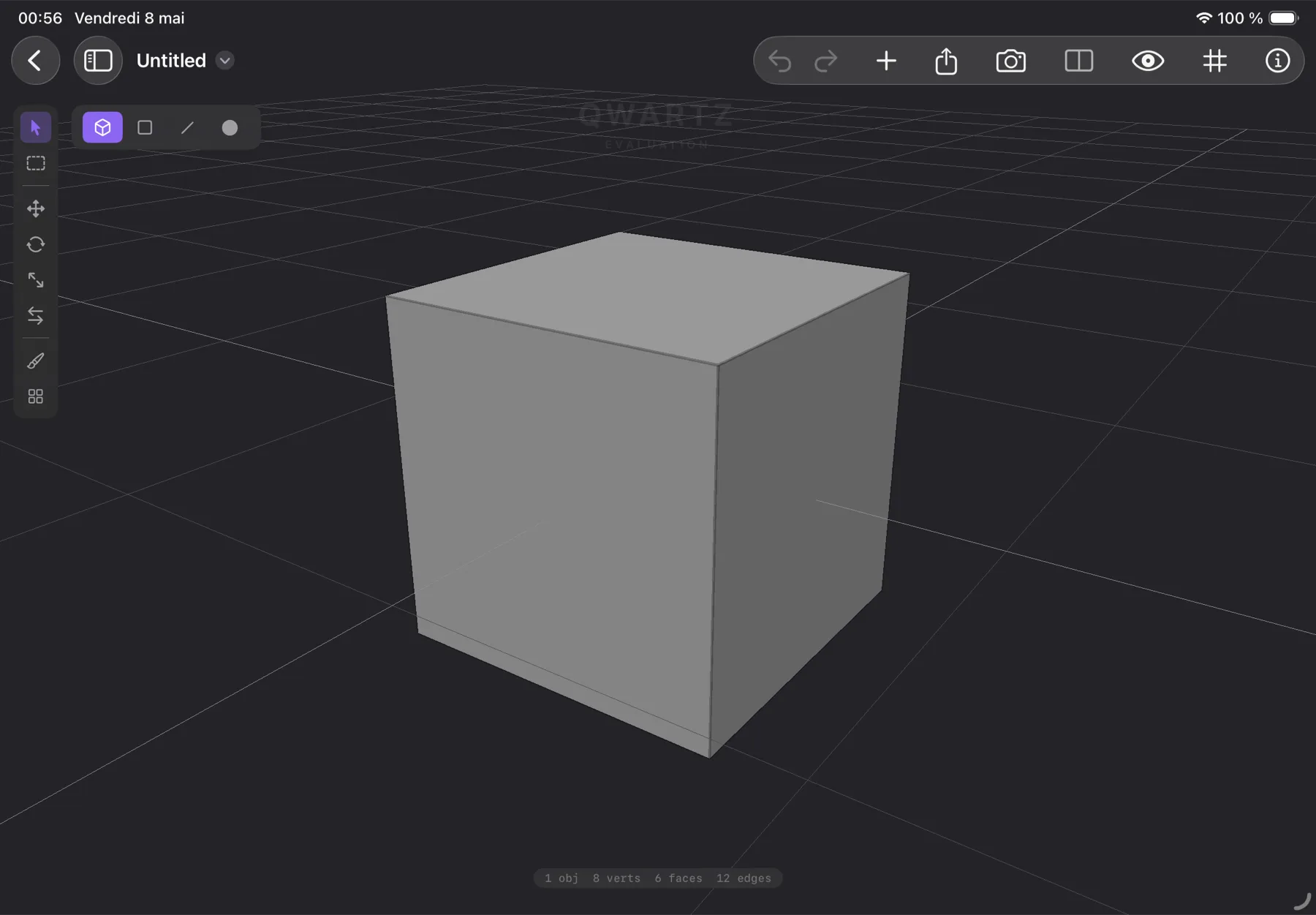
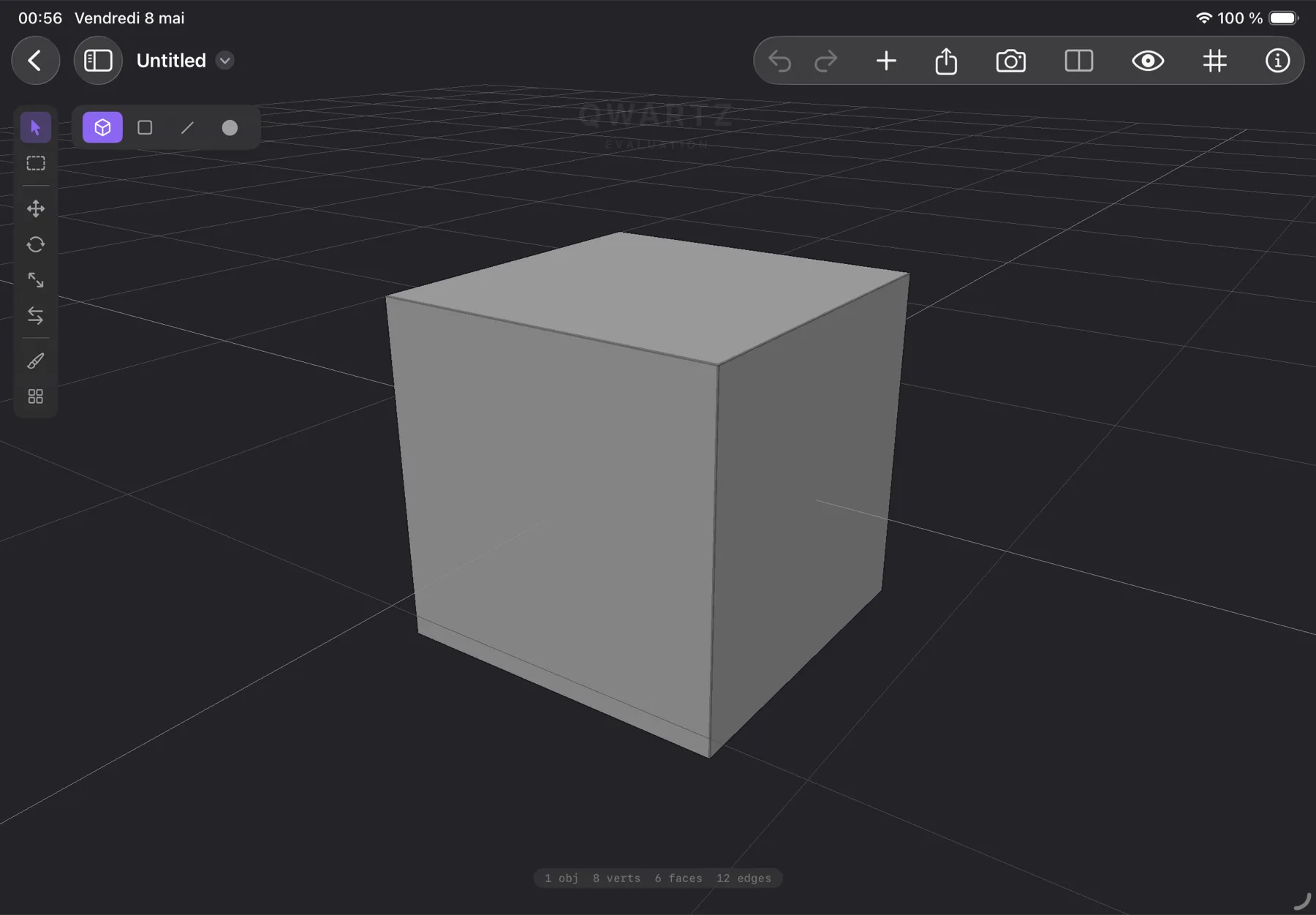
High-resolution PNGs available on request — email mail@qwartz.app. Click a thumbnail to open the WebP preview.
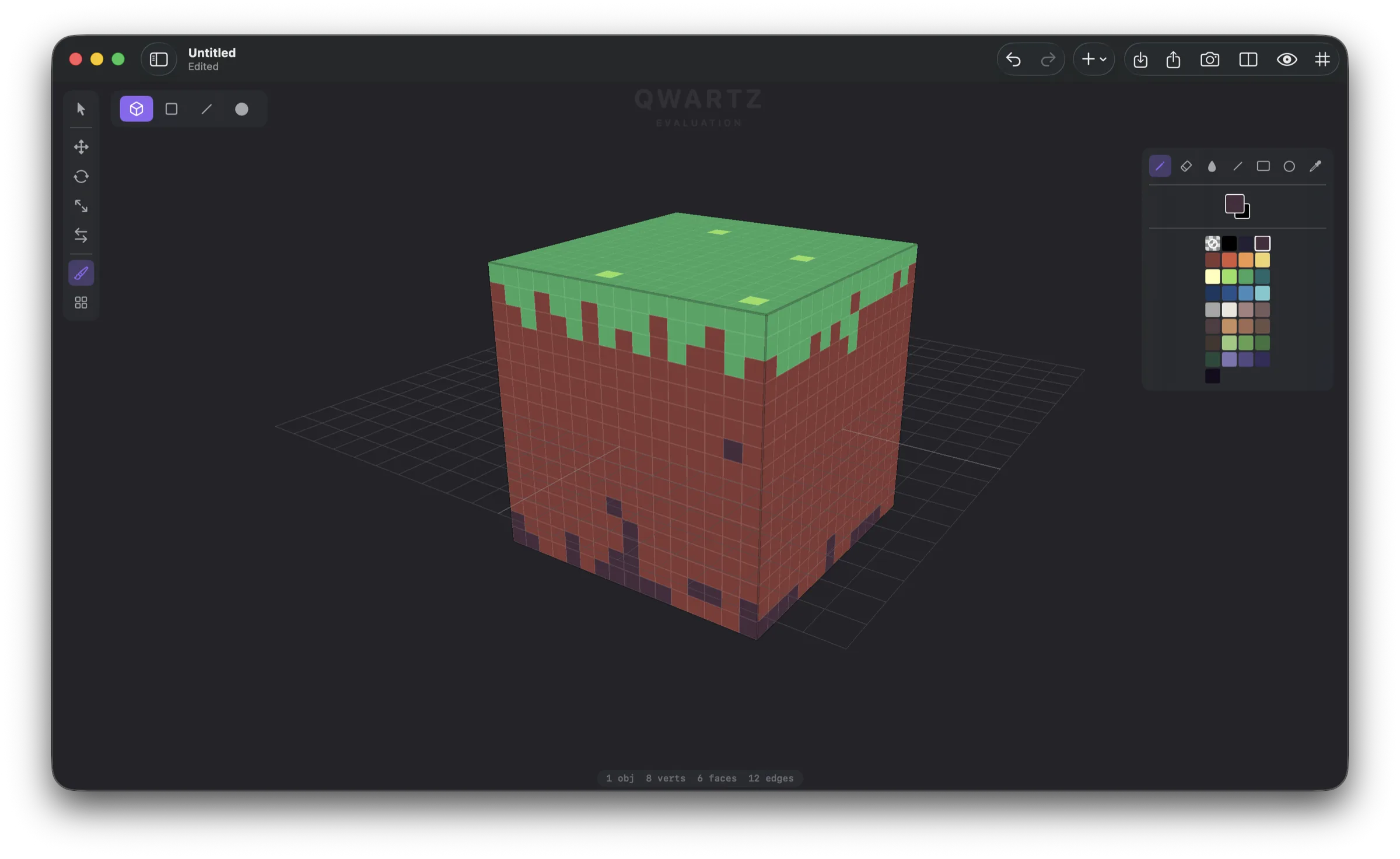
Mac
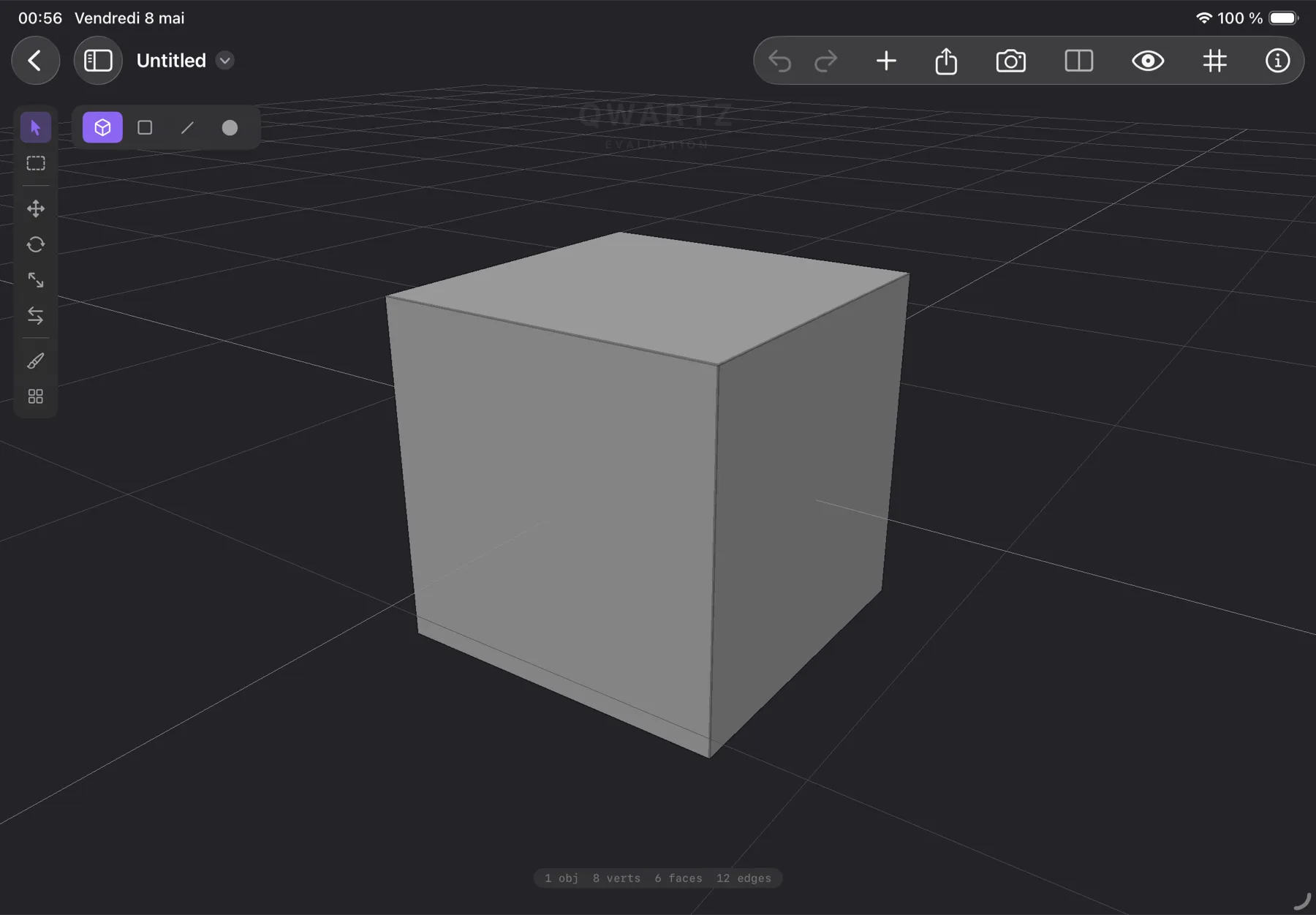
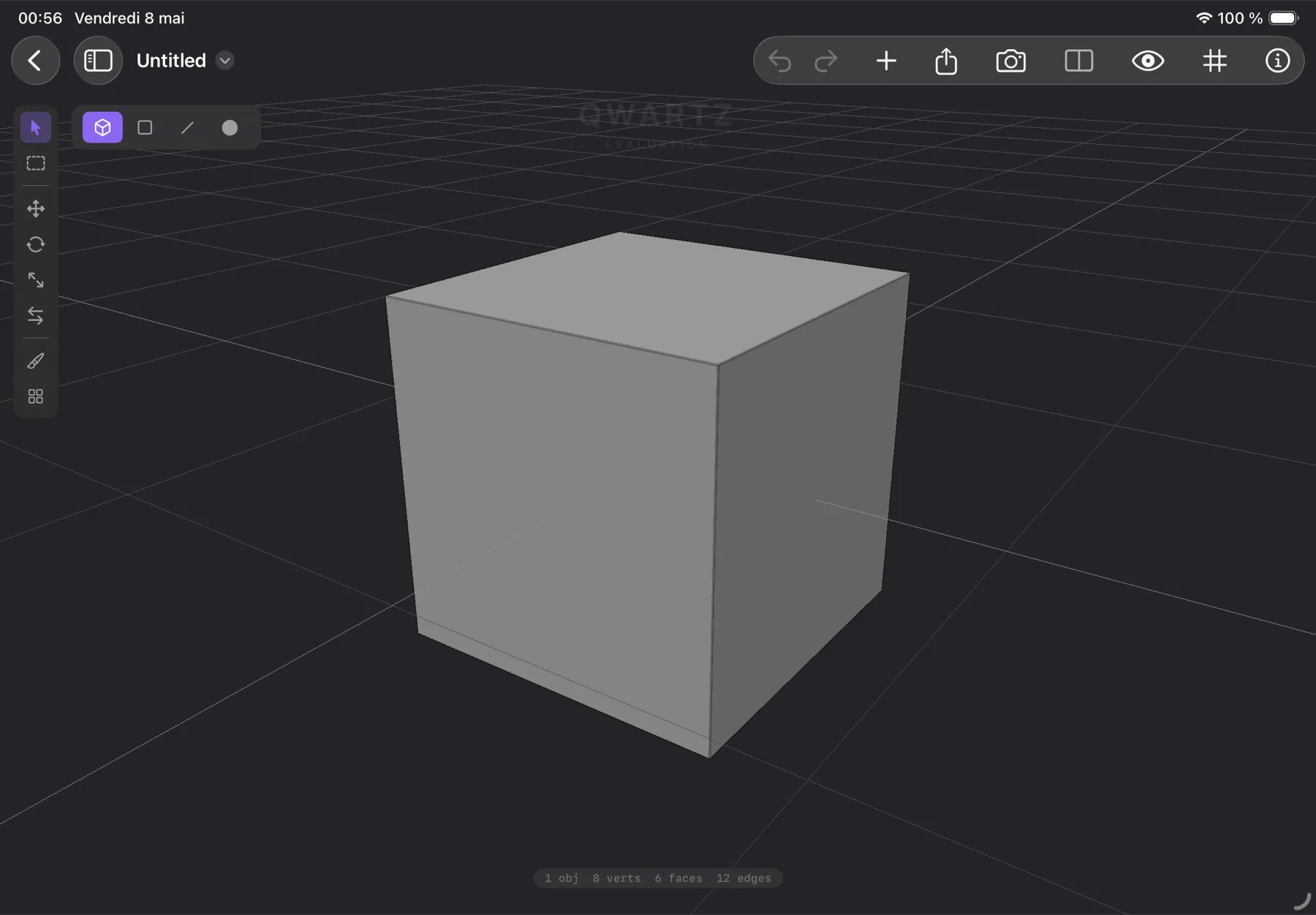
iPad
Contact
For review copies, interview requests, or additional assets, email directly.